

The controlled source for TMT Global technical documents.
Product catalogues, model datasheets, certificates and technical guides are centralised here so category pages do not carry duplicate or outdated files.
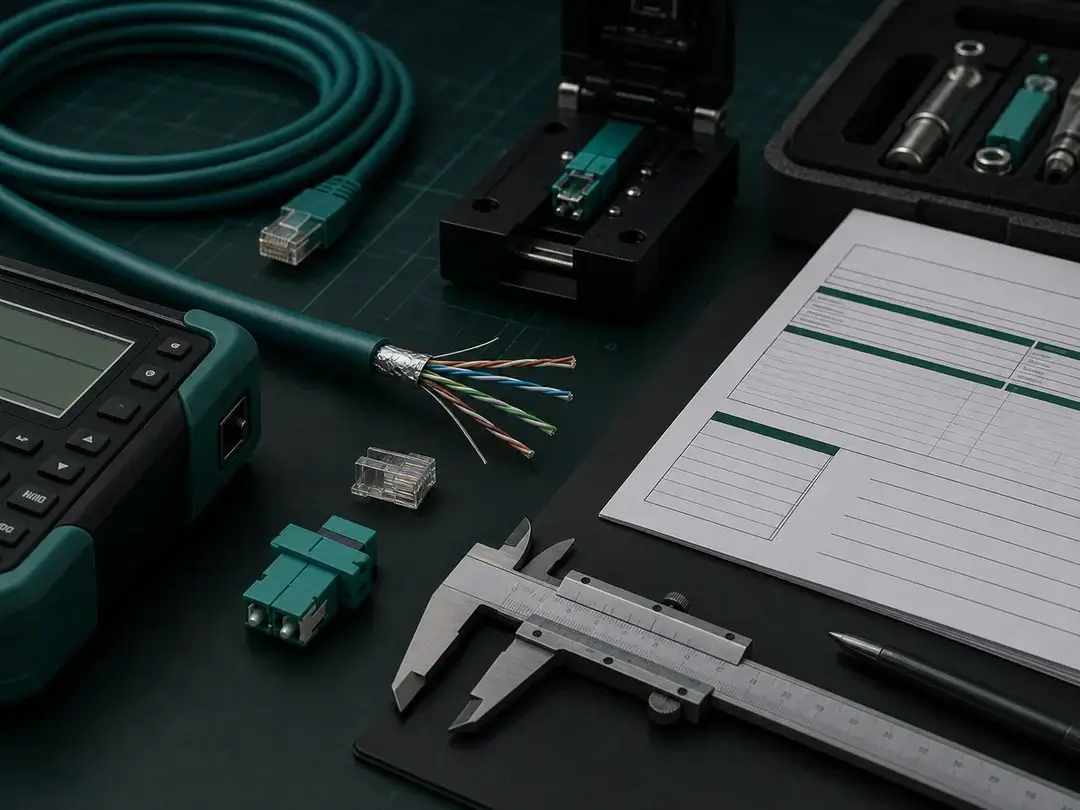
A clear route through downloads.
The page is organised to help visitors understand the scope, move to the correct destination and request exact information without mixing fixed landing content with dynamic product records.
Defined scope
Keep the Downloads requirement clear before selecting products or content.
Structured selection
Move from system or subject area to the exact family, model or resource.
Controlled information
Use current technical documents, verified claims and approved page links.
Project support
Send unresolved requirements to info@tmtglobal.co.uk for routing.
Download Data Sheet
structured cabling
Download Copper Range Products
Download fiber Optic Range Products
DownLoad Network Cables
Lorem ipsum dolor sit amet, consectetur adipiscing elit. Ut elit tellus, luctus nec ullamcorper mattis, pulvinar dapibus leo.
Lorem ipsum dolor sit amet, consectetur adipiscing elit. Ut elit tellus, luctus nec ullamcorper mattis, pulvinar dapibus leo.
Cat6a Network Cables Series
Download Data Patch Cord Series
CAT5E PATCH CORD SERIES
CAT6 UTP PATCH CORD SERIES
CAT6 STP PATCH CORD SERIES
CAT6A UTP PATCH CORD SERIES
CAT6A STP PATCH CORD SERIES
Download Racks & Cabinets
Racks & Cabinets Series
Download Network Connectivity
Access & Entrance
Access Control Systems
Gate Automation Systems
Automation & Lighting
Building Automation
Lighting Control Systems
Fire & Life Safety
Fire & Life Safety Cables
Find the right technical document.
Use these routes to move through the Downloads information without duplicating product or document records.
Product Catalogues
Open or review product catalogues within the TMT Global downloads structure.
Model Datasheets
Open or review model datasheets within the TMT Global downloads structure.
Certificates
Open or review certificates within the TMT Global downloads structure.
Technical Guides
Open or review technical guides within the TMT Global downloads structure.
Declarations and Approvals
Open or review declarations and approvals within the TMT Global downloads structure.
Request a Document
Open or review request a document within the TMT Global downloads structure.
Explore →
Move from requirement to the correct destination.
A structured route reduces duplicate information, incorrect model assumptions and avoidable delays during product or project review.
Define
Confirm the purpose and boundaries of the Downloads requirement.
Compare
Review the relevant routes, options and technical constraints.
Verify
Check model information, standards and supporting documents.
Coordinate
Align the final selection with the project team and application.
Confirm the important details first.
These checkpoints keep the Downloads page useful for professional B2B visitors while preserving the authority of the appointed project team and exact source documents.
| Audience | The people who will use or act on the Downloads information. |
|---|---|
| Authority | The verified source for every product, company or project statement. |
| Destination | The correct fixed page, archive, download or contact route. |
| Maintenance | Ownership, review frequency and handling of future updates. |
Built for real project workflows.
Downloads information should help each visitor reach the correct system, resource or contact route without unsupported claims or transactional content.
Review scope, technical context, current information and the required next action.
Review scope, technical context, current information and the required next action.
Review scope, technical context, current information and the required next action.
Review scope, technical context, current information and the required next action.
Review scope, technical context, current information and the required next action.
Review scope, technical context, current information and the required next action.
Confidence depends on controlled information.
TMT Global fixed pages organise the visitor journey; product archives, model pages and central downloads remain the controlled sources for dynamic and technical records.
Exact identification
Use the correct family and model reference.
Current documents
Route catalogues and datasheets through the central Downloads page.
Verified claims
Publish standards, approvals and project statements only when supported.
Traceable support
Keep enquiries connected to the relevant product or project requirement.
Continue with the right information source.
Datasheets remain on the Downloads page only. Use support and contact pages when the exact document, model or project route is not yet clear.
Downloads
Find current catalogues, datasheets, certificates and technical guides.
Quality & Compliance
Review the framework for product information, standards and traceability.
Technical Support
Request help with selection, documentation and application questions.
Contact TMT Global
Send the requirement to info@tmtglobal.co.uk for routing to the relevant team.
Questions about downloads.
Use these answers for general direction, then confirm exact product and project requirements against current documentation.
What does the TMT Global Downloads page cover?
Product catalogues, model datasheets, certificates and technical guides are centralised here so category pages do not carry duplicate or outdated files.
How should I use the Downloads information?
Start with the application and required outcome, then move to the relevant system, category, model or support page for exact information.
Where are catalogues and product datasheets located?
All current product catalogues and datasheets should be accessed through the central TMT Global Downloads page.
Can TMT Global help with a project-specific requirement?
Yes. Send the system, application, location, quantities, technical target and required documents to info@tmtglobal.co.uk.
Discuss your requirement.
Share the application, project location, technical target, quantities and required documents with the TMT Global team.
Related TMT Global pages.
Move to the next fixed landing page, then use a WooCommerce archive only when you need the current product range.
Home
TMT Global integrated ELV systems and global project supply.
About Us
TMT Global company, portfolio and regional operating model.
Products
Explore the TMT Global portfolio by complete system, then move from the fixed system page to the relevant WooCommerce product family and model.
Solutions
TMT Global solution pathways connect product families, applications, documentation and selection support without replacing the project consultant’s specification.